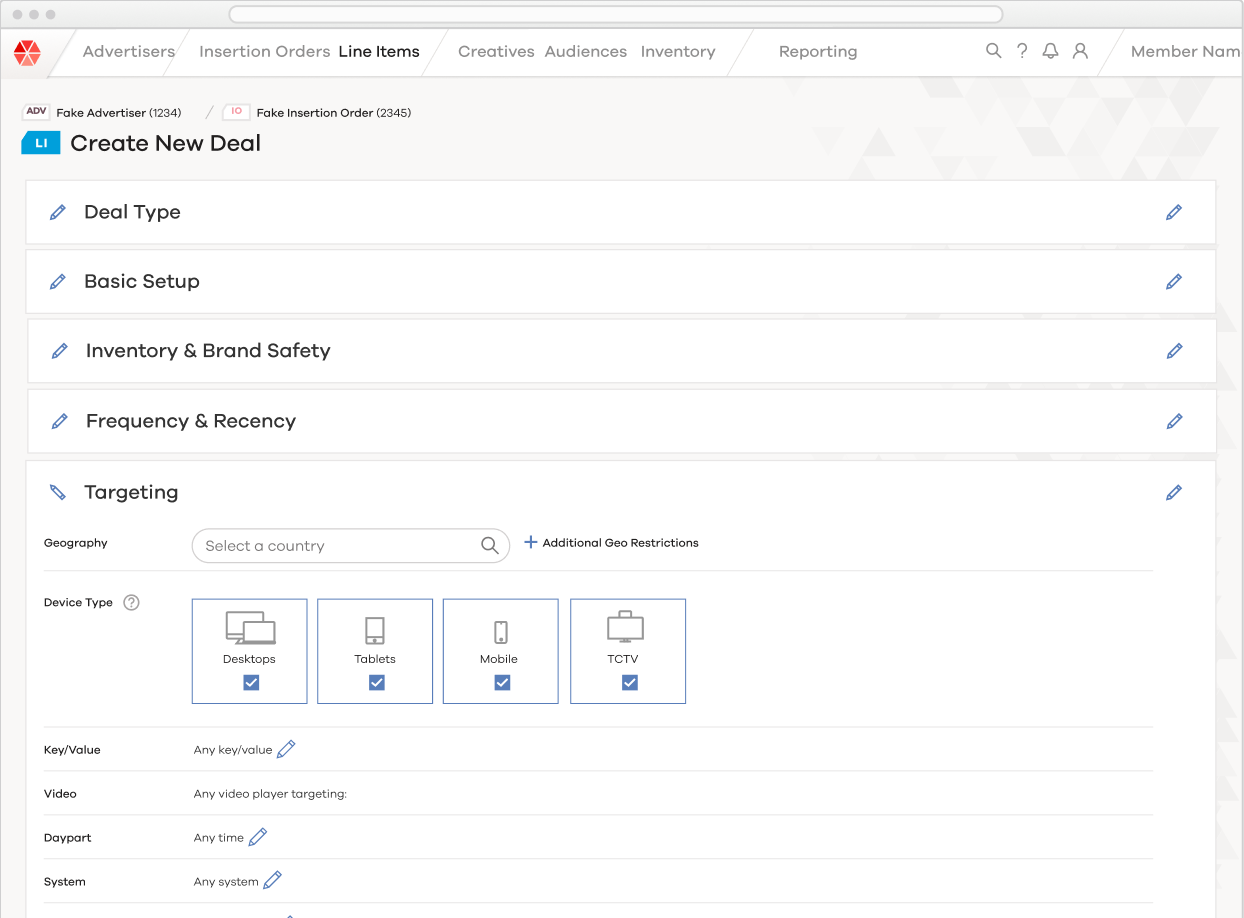
The Premise
Architecture and workflow issues in our UI were enabling costly setup errors. Specifically, our UI implementation of Targeting had been developed to support a long-tail of edge cases at the expense of the most common tasks. The poor visual design and lack of documentation for the UI component was adding further to user confusion.
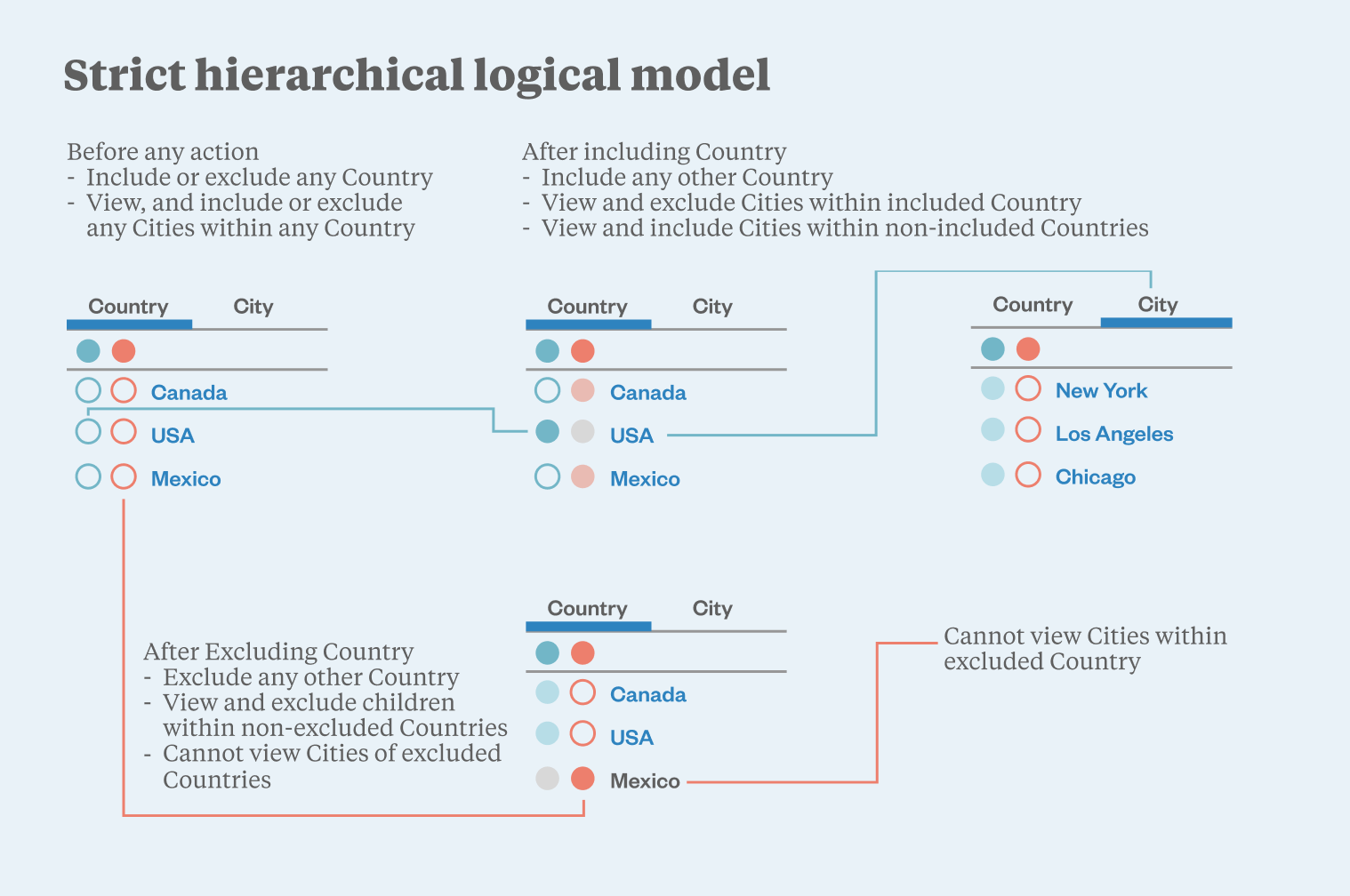
Where I started:
- Researched and documented our backend validation, and found our UI validation didn’t match!
- Conducted a sweeping analysis of existing user targeting setups, to identify their primary use cases.
- Interviewed our users to understand their mental model of targeting.
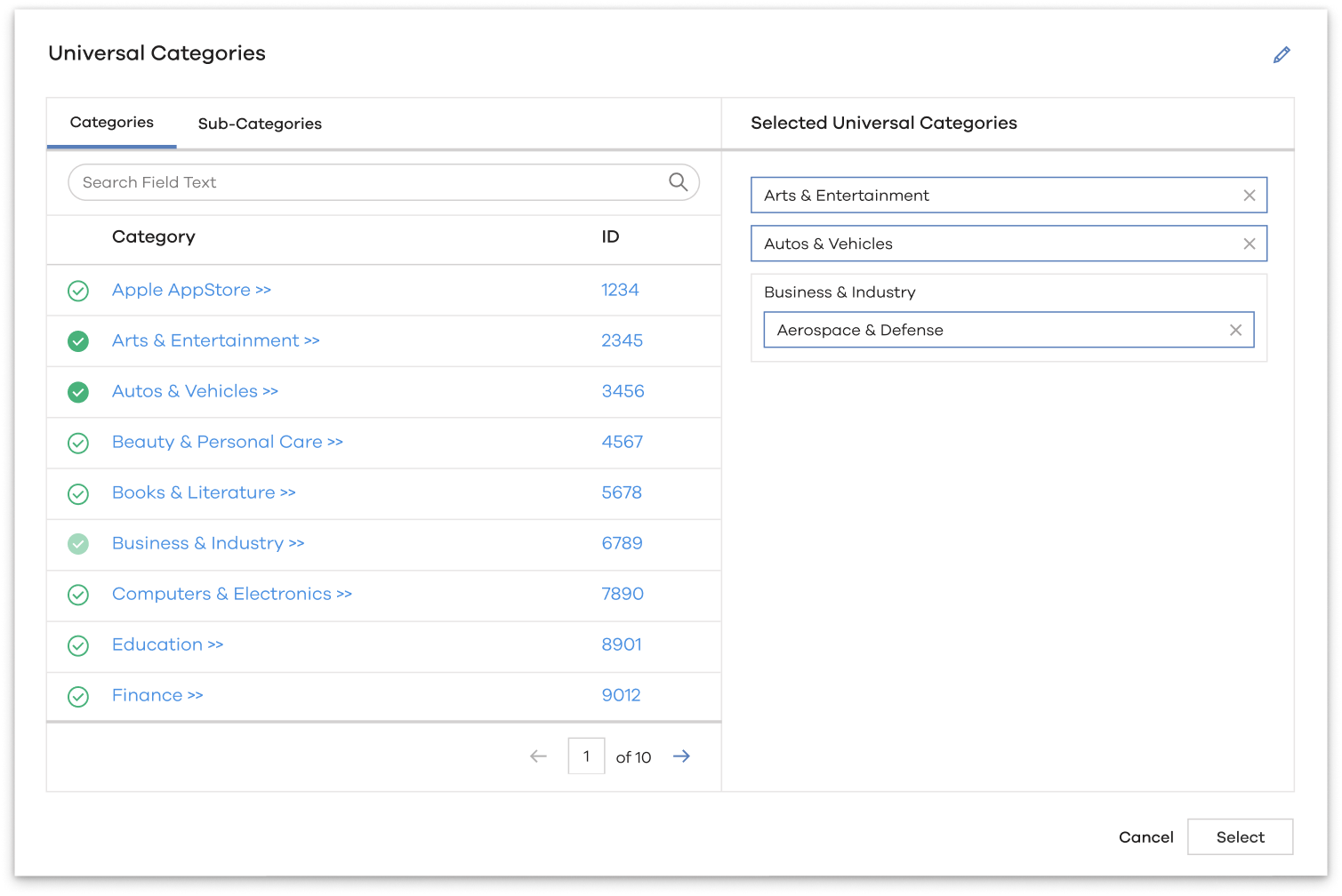
This work helped me redesign the component to eliminate a huge share of user errors, and focus my solution on the most common use cases. My new design greatly simplified the workflow, keeping additional functionality available through progressive disclosure.
The Design & Outcome
My new design completely eliminated UI setup errors due to misconfigured targeting settings, saving our users (and our business) significant money and frustration. It also significantly improved our user's comphrehension of their targeting settings, and further reduced the amount of time and resources dedicated to the common Targeting setups.